Announcements
View Meal Plan Balances in MyIU
Students may now view their meal plan balances through the OneCard tile in MyIU.
OneCard Meal Plan Balance
- To view your IU meal plan balance through the IU Portal, select the OneCard tile

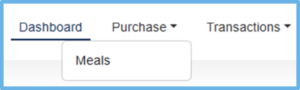
- Within the Dashboard, select the Purchase tab and then Meals

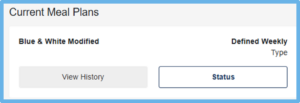
- Then select the Status button

- Your meal plan usage will be viewable under the Status entry