FERPA Agreement Instructions
This form is located in your MyIU portal. Log into portal.immaculata.edu and click on the Self – Service tile:

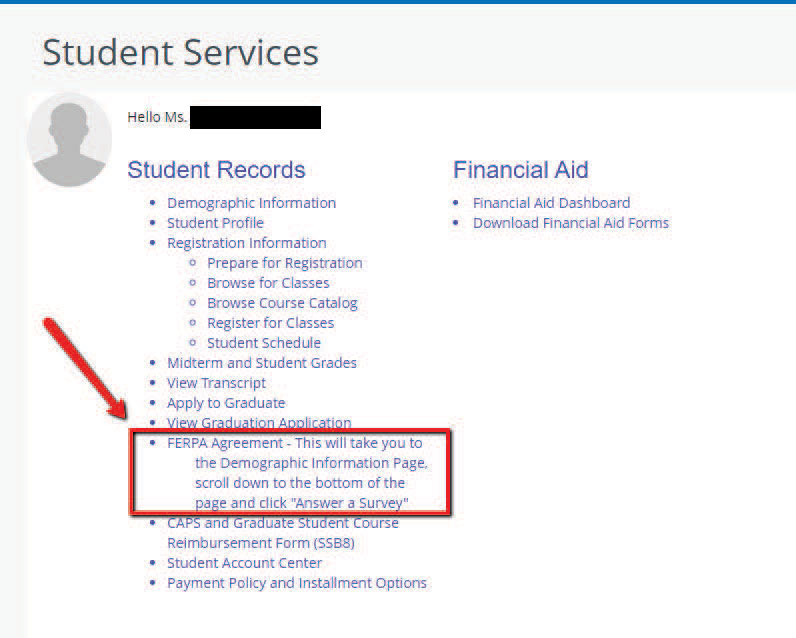
On the Student Services menu, under Student Records, click “FERPA Agreement”:
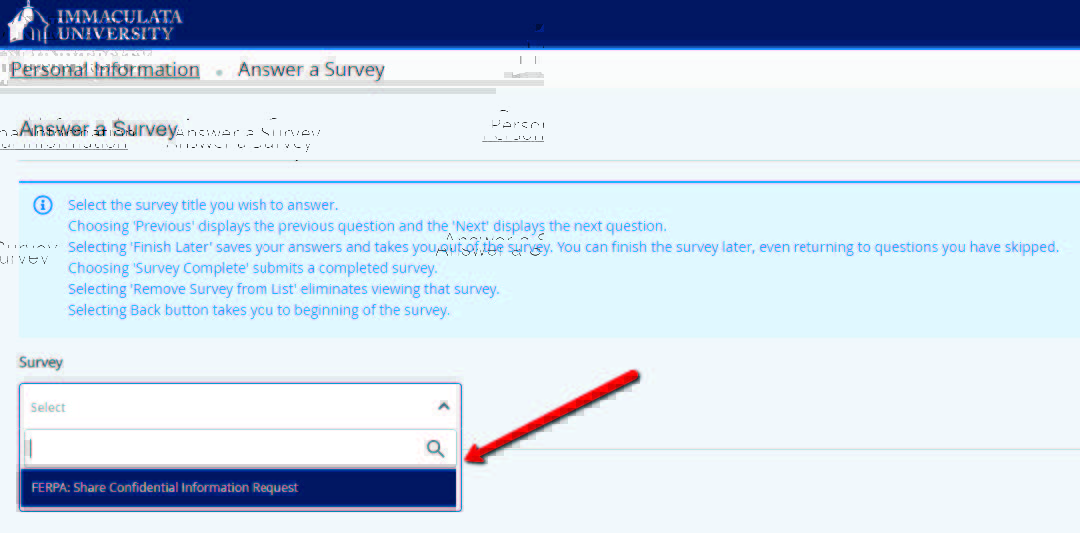
Under “Survey” search bar, choose for FERPA: Share Confidential Information Request:
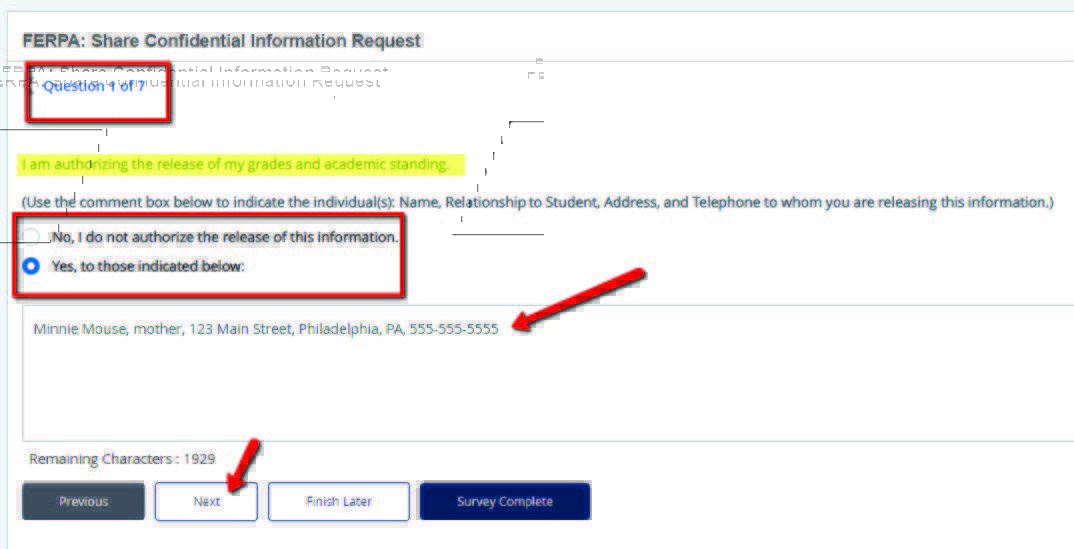
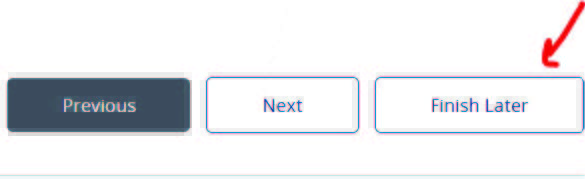
You will have 7 questions to respond to. Read the highlighted statement and respond whether you authorize the release of that information to a parent/guardian. If you choose “Yes,” enter the requested information in the text box. Click “Next” until you have responded to all 7 questions. Click Survey Complete or Finish Later when finished. You may only see one of these options; either will save your responses and allow you to update your FERPA responses at any time.